
For the average user, WordPress themes are binary: a theme is either active or it isn’t. But for the enterprise developer, the reality is rarely that simple. You often deal with complex requirements where “one site, one theme” simply doesn’t fit the architectural needs of a high-traffic, multi-faceted platform.
While ThemeSwitcher Pro is famous for its intuitive UI, allowing you to assign themes to specific pages or post types with a click… its true power lies under the hood.
For developers, ThemeSwitcher Pro is more than a plugin; it is a logic engine. By leveraging advanced WordPress conditionals and our developer-friendly hooks, you can programmatically control the visual presentation layer of your site based on user roles, cookies, dates, or complex custom logic.
Here is how you can wield this secret weapon to build smarter, more adaptive WordPress environments.

1. The Power of Granular Control
The graphical interface of ThemeSwitcher Pro handles 90% of use cases: mapping a theme to a specific URL, Category, or Post Type (like WooCommerce Products). However, enterprise website builds often require logic that exists outside of the standard template hierarchy.
By utilizing standard WordPress conditional tags (e.g., is_user_logged_in(), current_user_can(), or is_page_template()) in conjunction with ThemeSwitcher Pro’s filters, you can orchestrate a dynamic user experience that adapts in real-time.
2. Use Case: Role-Based Theme Rendering
Imagine a membership site or a university learning management system (LMS) portal. You might want the public-facing site to use a marketing-heavy, visually rich theme. However, once a user logs in to access their dashboard or course material, you want a stripped-down, performance-optimized “Application” theme.
Instead of building a massive, monolithic theme with endless if/else statements in your header.php, you can simply switch the entire theme based on the user’s state.
The Logic Flow:
- IF User is Visitor → Load Marketing-Theme
- IF User is Student OR Admin → Load App-Theme
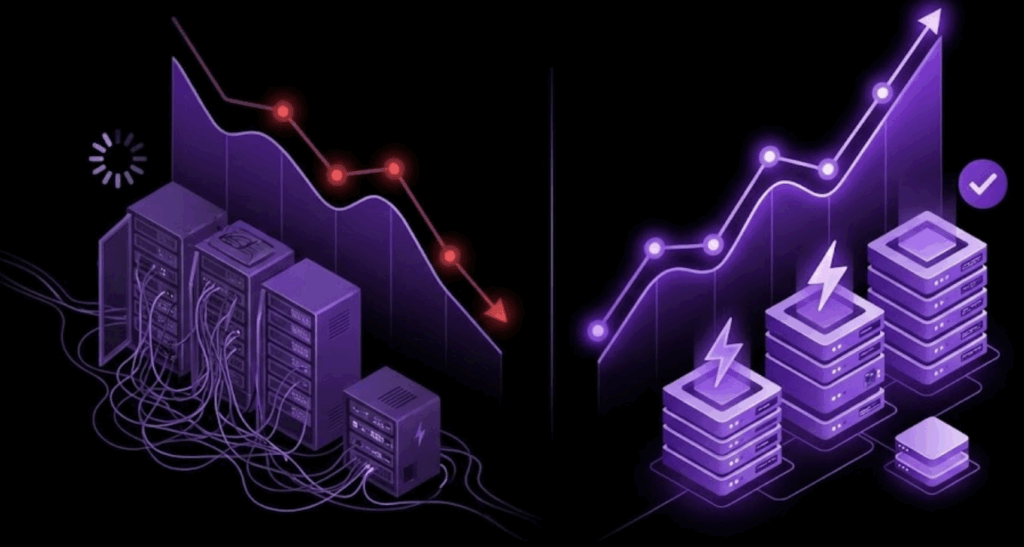
This keeps your codebase clean. Your marketing theme doesn’t need to know about dashboard styles, and your dashboard theme doesn’t need to load heavy marketing assets.
3. Use Case: A/B Testing and Canary Deployments
Agencies often need to test a new design on a live production site without exposing it to the entire user base. With advanced conditional logic, you can “canary test” a new theme on a subset of users before a full rollout.
Using a custom function, you could trigger a specific theme based on:
- User IP Range: Show the new theme only to the internal office IP.
- Cookie Value: Show the new theme only to users who have clicked a “Beta Test” button.
- URL Parameter: Allow clients to preview the new site live by appending ?theme_preview=v2 to any URL.
This turns ThemeSwitcher Pro into a powerful deployment and testing tool, minimizing the risk of “breaking production” during a redesign.
4. Seasonal and Campaign-Specific Logic
Large eCommerce brands and holiday campaigns often require a complete visual overhaul. Hardcoding these changes into your main theme is messy and requires a code deployment to revert once the holiday ends.
With date-based conditional logic, you can schedule ThemeSwitcher Pro to serve a “Holiday Skin” theme between specific dates, such as the Black Friday example shown below.
The Logic:
PHP
if ( date(‘Y-m-d’) >= ‘2025-11-24’ && date(‘Y-m-d’) <= ‘2025-12-01’ ) {
// Return Black Friday Theme ID
}
When December 2nd hits, the site automatically reverts to the default theme without a single line of code being touched or a developer needing to wake up at midnight.

5. Integrating with Custom Data Sources
For our most advanced agency partners, theme selection can be driven by external data. By hooking into the switching logic, you can query an external API or a custom database table to determine which theme to load.
This is ideal for Multisite-like behavior on a single install, where different “microsites” or landing pages might need distinct branding defined by a CRM or external marketing platform.
The “Right Blueprint” for Complexity
At WebDevStudios, we believe in building the right blueprint for the job. Sometimes, that means one theme. But for complex, evolving platforms, the ability to conditionally swap the presentation layer is a superpower.
ThemeSwitcher Pro gives you the UI for the easy stuff and the code-level control for the complex stuff. It allows you to say “Yes” to complex client requirements without creating a maintenance nightmare.
Ready to take full control of your theme logic? Dig into the documentation and discover why ThemeSwitcher Pro is the developer’s choice for complex WordPress architecture.