
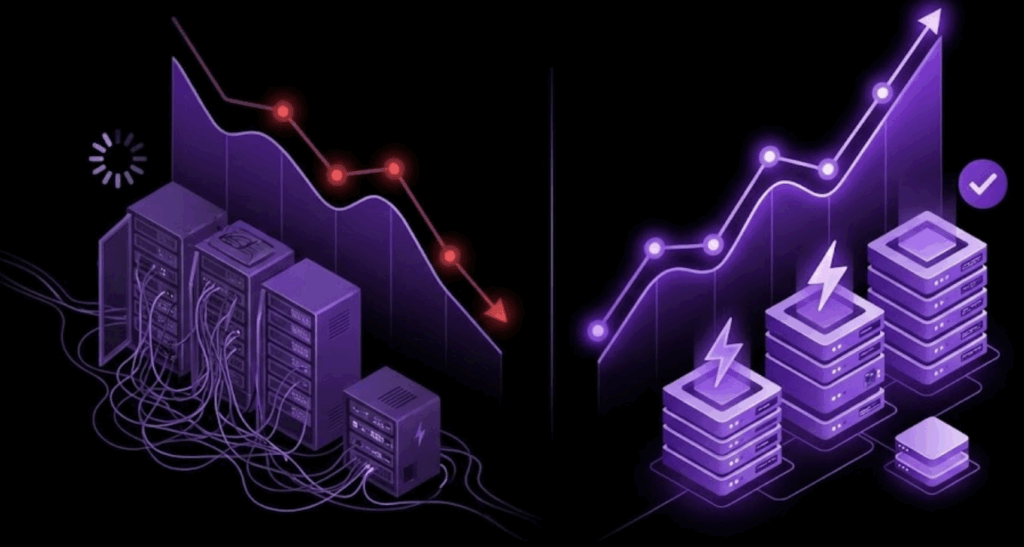
It’s January 2026. You’ve just opened Google Search Console or run a fresh PageSpeed Insights test for the new year.
The results aren’t pretty.
Despite your fast hosting, your image compression plugins, and your caching layers, your Core Web Vitals (CWV) are still struggling. Specifically, your Largest Contentful Paint (LCP) is too slow, and your Interaction to Next Paint (INP) is lagging.
You’re seeing red, and in 2026, red metrics mean lost rankings and lower conversion rates. The hard truth? The problem likely isn’t your content or your server. It’s your theme.
If you are running a legacy “Classic” WordPress theme built 3+ years ago, you are likely fighting a losing battle against code bloat. But here is the good news: You don’t need to burn your website down and rebuild it from scratch to fix it.
Here is why your old theme is killing your scores, and how to perform a “surgical strike” to fix your most important pages in under an hour.
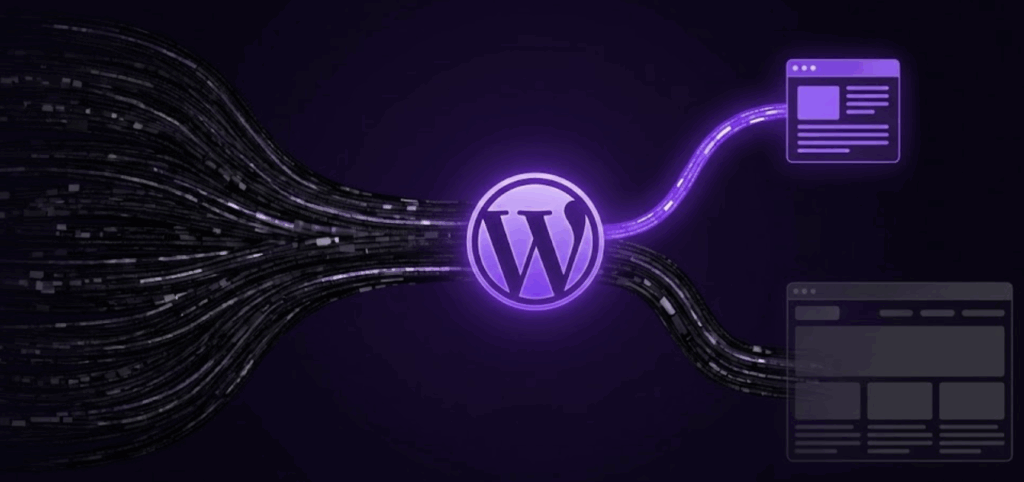
The Invisible Weight of Legacy Themes
Why does a theme that looked great in 2023 perform poorly in 2026?
1. Global Asset Loading: Old themes often load every script and every stylesheet on every page. Your simple “About Us” page might be loading code for a slider, a gallery, and a form that aren’t even used on that page.
2. DOM Size: Legacy page builders often nest div inside div inside div, creating a massive Document Object Model (DOM) that browsers struggle to parse quickly.
3. JQuery Dependency: Many older themes rely heavily on JQuery, which blocks the main thread and kills your INP scores.
Modern Block Themes (Full Site Editing themes) solve this by loading cleaner, modular HTML and CSS only when needed. They are blazing fast by default.
The “All-or-Nothing” Trap
Most site owners look at their slow scores and think, “I guess I have to rebuild the whole website.”
That is a terrifying thought. A full redesign is expensive ($35k+), risky, and takes months. So, most people do nothing. They accept the bad scores and hope for the best.
This is the mistake.
You don’t need the whole site to be perfect instantly. You just need your money pages (Landing Pages, Sales Pages, Checkout Flows) to be fast.
The Solution: The “Surgical Strike” Strategy
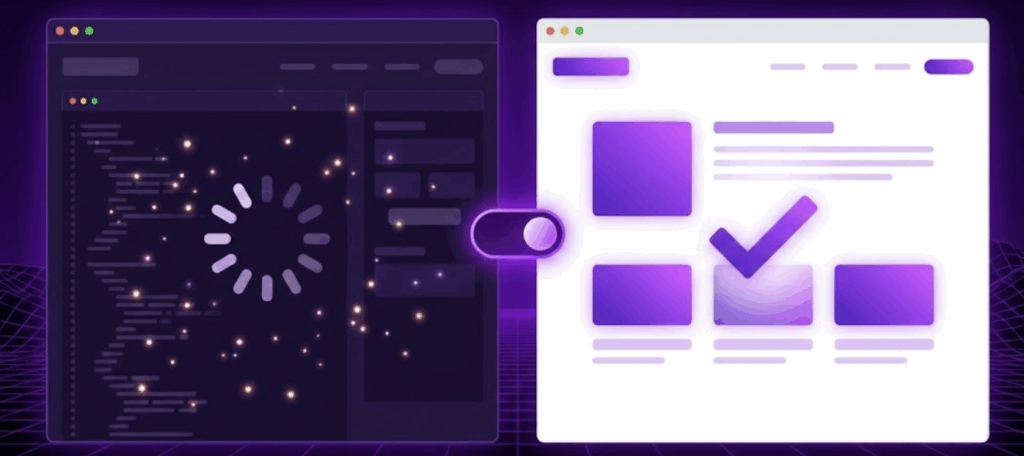
Instead of migrating your entire site, use ThemeSwitcher Pro to run a modern, lightweight Block Theme alongside your heavy legacy theme.
This allows you to fix the speed scores on your critical pages today without touching the rest of your website.
Here is the 3-step workflow to turn your red scores green:
Step 1: Install a Lightweight Block Theme
Go to your WordPress dashboard and install a modern Block theme like Ollie, Twenty Twenty-Five, or Frost. Do not activate it. Just install it. This will be your “speed engine” sitting in the garage.
Step 2: Rebuild ONE High-Priority Page
Pick your most important page with the worst speed score. Let’s say it’s your main Pricing Page. Open a new draft page and rebuild the pricing table using the native Block Editor. Because blocks are efficient, this page will naturally have cleaner code and zero bloat.
Step 3: Switch the Theme for THAT URL
This is where the magic happens.
- Open ThemeSwitcher Pro.
- Create a new rule.
- Select Condition: “Page Is” -> [Your Pricing Page].
- Select Theme: [Your New Block Theme].
- Save.
The Result? Instant Green.
When a user visits your Home page, they see your standard legacy site. But when they click “Pricing,” ThemeSwitcher Pro instantly swaps the infrastructure. That specific page loads the lightweight Block theme.
- Bloat: Gone.
- LCP Score: Instantly improved.
- User Experience: Lightning fast.
You have successfully modernized your most critical URL without a single minute of downtime or a massive budget request.
Stop Waiting for a Redesign
Your Core Web Vitals score is a rolling average. Every day you leave your high-traffic pages on a slow legacy theme, you are hurting your 2026 SEO potential.
Don’t wait for a redesign that might happen in six months. Fix your speed today.
👉 Download ThemeSwitcher Pro and start your performance audit.