Dropping: March 4th, 2026!
At ThemeSwitcher Pro, our core mission is to give you absolute, surgical control over your WordPress themes. You shouldn’t be forced into an all-or-nothing design change, especially when dealing with complex eCommerce setups or internal agency workflows.
Tomorrow, we are rolling out ThemeSwitcher Pro 1.5.0, bringing two massive, highly requested features that will change how you manage digital storefronts and your backend administrative experience.
Here is everything you need to know about the 1.5.0 update.
🛒 1. Easy Digital Downloads (EDD) Integration
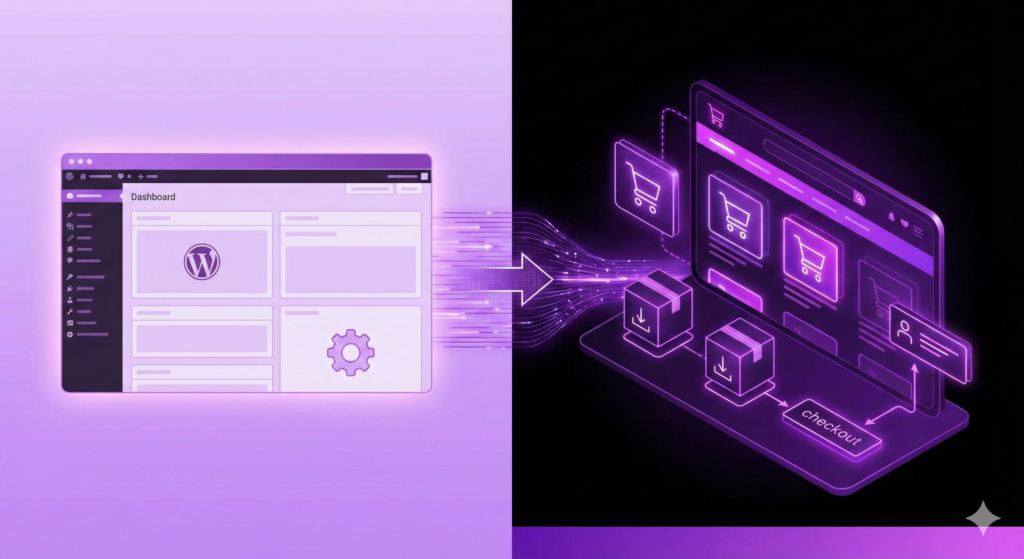
We know a huge portion of the WordPress creator community relies on Easy Digital Downloads (EDD) to sell software, eBooks, and digital files. With version 1.5.0, you can now apply a completely different theme specifically to your EDD store pages, leaving the rest of your primary website completely untouched.
What It Does
This integration means your store pages can utilize a completely customized, high-converting eCommerce design, while your blog and homepage run on your standard theme.
Once enabled, ThemeSwitcher Pro automatically detects EDD-specific content and loads your assigned Store Theme. This applies to:
- Product archive pages & single downloads
- Checkout pages
- Purchase history
- Receipt and confirmation pages
- Failed transaction pages
- Login & redirect pages
- Download categories & tags
Smart Admin Behavior: We didn’t forget about the content creators! When you are creating or editing a new download in the backend, the editor preview will automatically use your selected EDD theme, ensuring your design remains consistent while you work.
How to Enable It
- Navigate to ThemeSwitcher Pro -> Integrations.
- Check the box to enable EDD integration.
- Use the newly revealed dropdown menu to select the specific theme you want to apply to all EDD pages.
🛠️ 2. The Admin Backend Theme
Have you ever wished you could run a lightweight, branded theme for your team in the WordPress dashboard without altering the live frontend experience for your users? Now you can.
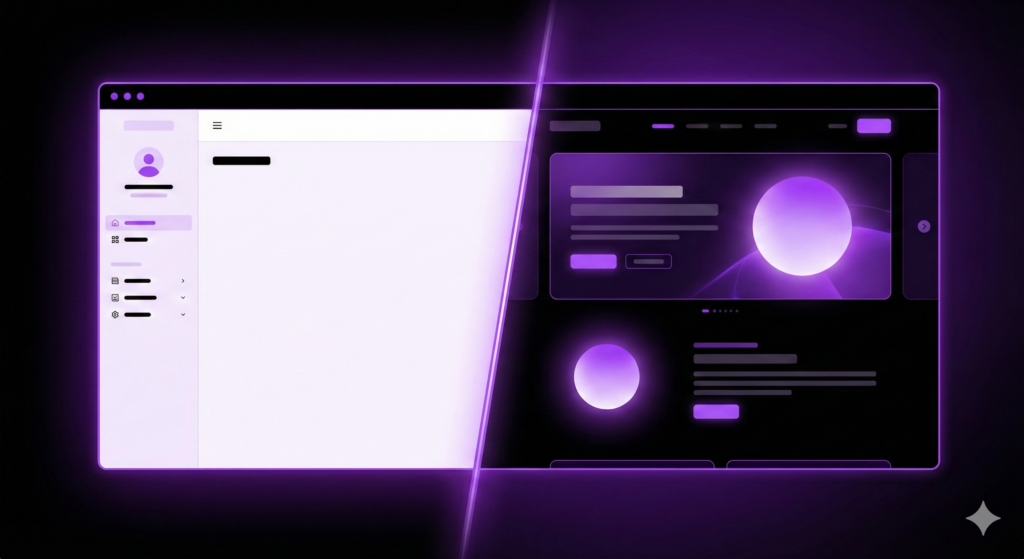
ThemeSwitcher Pro 1.5.0 introduces the Admin Backend Theme feature, allowing you to select a separate theme applied exclusively to the wp-admin area.
Why You’ll Love This (Common Use Cases)
- The Light/Dark Split: Run a sleek dark theme on the frontend for your visitors, but keep a clean, highly legible light theme in the admin for your writers.
- Performance Boosts: Apply a simpler, stripped-down theme in the admin area for faster backend loading and navigation.
- Agency Branding: Use a custom-branded admin theme tailored specifically for your internal teams or clients.
Smart Exclusions (Protecting Your Previews)
We built this feature with a strict “do no harm” philosophy. The admin backend theme runs early in the initialization flow, but it is intentionally excluded from certain areas to ensure your editing experience remains perfectly accurate.
To prevent UI conflicts and ensure true 1:1 previews, the Admin Theme is completely bypassed on:
- The Post/Block Editor: Ensures your Gutenberg blocks and content previews look exactly as they will on the frontend.
- The Term Editor: Prevents taxonomy UI conflicts.
- REST API & AJAX Requests: Prevents autosave issues and Gutenberg-related conflicts.
Note: The Site Editor and Customizer are not supported, keeping your core site-building tools stable.
How to Configure It
- Navigate to ThemeSwitcher Pro -> Post Type Settings.
- Look for the “Select theme for admin backend” field.
- Choose your preferred backend theme from the dropdown (or leave it on “Use Default” to maintain standard logic).
Get Ready for the Update!
ThemeSwitcher Pro 1.5.0 is all about giving you the flexibility to mold WordPress to your specific business needs, both on the frontend and behind the scenes.
If you already have an active ThemeSwitcher Pro license, simply run the update from your WordPress dashboard tomorrow, March 4th. If you haven’t grabbed your copy yet, now is the perfect time to upgrade your workflow and take true control of your WordPress themes.