It’s December 2025. You’re looking at your roadmap and budget for next year. You know the biggest item on that list is modernizing your legacy WordPress site.
Your current theme feels like a straitjacket. It doesn’t support Full Site Editing (FSE). It’s weighed down by old code, a drop-and-drag interface, limited layout replication, the ease of creating landing pages, and new templates without developer intervention.
But the thought of migrating is paralyzing. Why? Because the traditional “Big Bang” rebuild, tearing everything down, building a new site from scratch, and hoping nothing breaks on launch day, is expensive, risky, and disruptive.
It’s time for a new strategy. 2026 shouldn’t be the year of the terrifying rebuild; it should be the year of the low-risk, phased modernization.
Here is your practical roadmap for migrating to a modern Block infrastructure next year, using the only tool that enables iterative migration: ThemeSwitcher Pro.
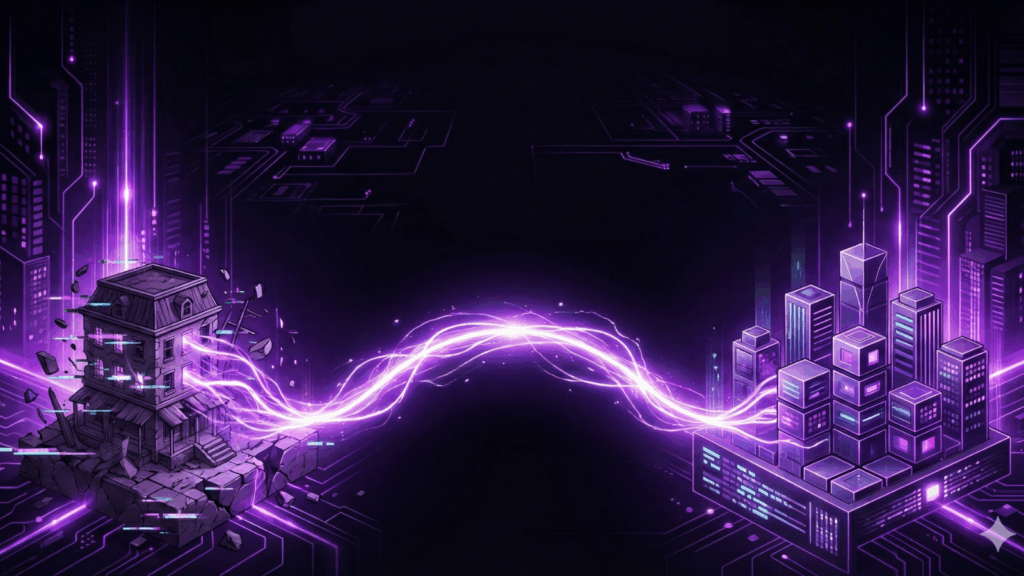
The New Paradigm: Running Two Worlds at Once
The biggest hurdle to modernization is the belief that your WordPress site can only be “old” or “new.”
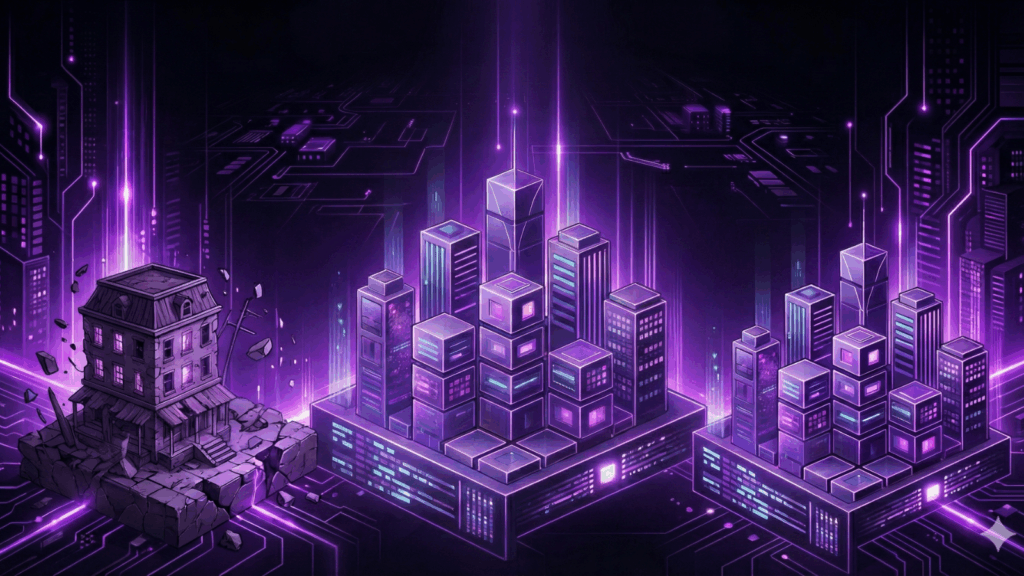
ThemeSwitcher Pro shatters that limitation. It allows you to run your stable, existing legacy theme simultaneously with a brand-new, modern Block Theme on the same WordPress installation.
This capability turns modernization from a cliff-edge jump into a manageable bridge.
You don’t have to migrate 5,000 old pages on day one. You can migrate piece by piece, on your own schedule, with zero downtime.
Here is a sample quarterly roadmap for how agencies and site owners can execute this strategy in 2026.
Quarter 1: Stop the Bleeding & Lay the Foundation
The first rule of getting out of technical debt is to stop creating more of it. If you are still publishing new content on your old theme infrastructure, you are digging a deeper hole.
The Q1 Goal: Ensure all new content is born modern.
- Action Plan: Install your chosen modern Block Theme (e.g., Twenty Twenty-Six, Ollie, or a custom Full Site Editing theme).
- The ThemeSwitcher Move: Set up a condition that applies the new Block Theme to all Posts published after January 1st, 2026.
- The Result: Your homepage and archives look the same. But every new article your team writes uses native blocks and modern layouts. You’ve stopped the bleeding.
Quarter 2: The Performance Surgical Strike (High ROI)
Once you are comfortable with the new theme environment, it’s time to target the pages where modernization pays off the fastest: high-traffic landing pages and conversion points.
The Q2 Goal: Improve performance and flexibility on money-making pages.
- Action Plan: Identify your top 5 lead-generation landing pages or your critical WooCommerce flows (Cart/Checkout). Rebuild just these few pages using the new Block Editor tools for maximum speed and conversion optimization.
- The ThemeSwitcher Move: Use the “Page ID” or one-click “WooCommerce” integration to switch only these specific URLs to the new, lightning-fast Block Theme.
- The Result: Immediate improvement in Core Web Vitals on your most critical pages, leading to better SEO and higher conversion rates, all while the bulk of your site remains untouched.
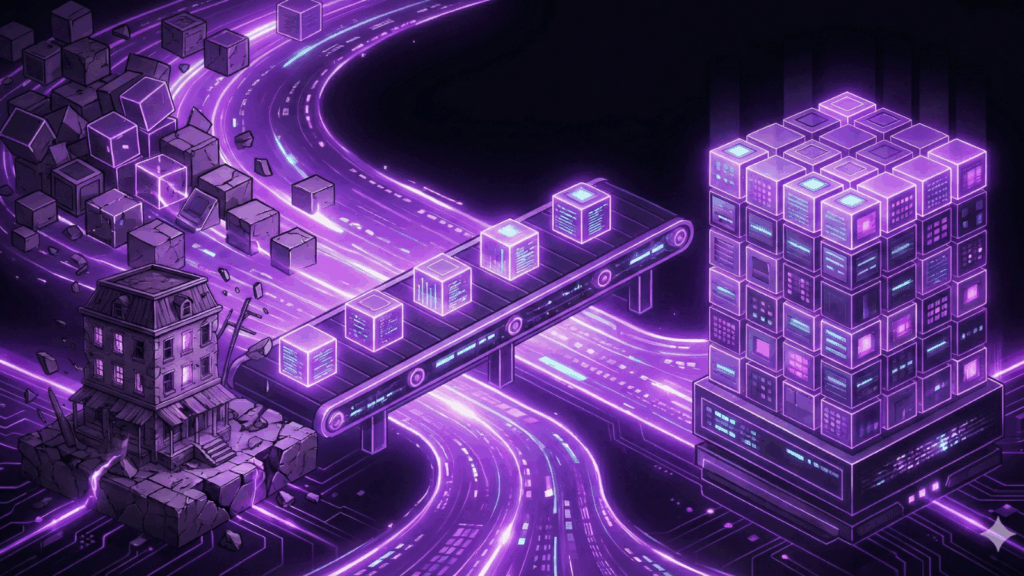
Quarter 3: The Systematic Archive Migration Strengthening Phase
By mid-year, you have new content and high-value pages running on modern infrastructure. Your team is comfortable with blocks. Now you can tackle the backlog without panic.
The Q3 Goal: Begin phasing out legacy templates.
- Action Plan: Choose one section of your site at a time to modernize. Perhaps you start with your “Services” custom post type, or perhaps your blog category archives.
- The ThemeSwitcher Move: As you rebuild these templates in the Site Editor, update your ThemeSwitcher rules to point those specific post types or archives to the new theme.
- The Result: A systematic, stress-free reduction of your reliance on the old codebase. Your website is now in a healthier environment to support growth and resilience ahead.
Quarter 4: Energized for the Future
You’ve spent the year migrating iteratively. The only things left on the old theme are likely low-traffic, forgotten pages.
The Q4 Goal: Retire the legacy theme.
- Action Plan: Audit what remains on the old theme and finish the final conversions.
- The ThemeSwitcher Move: Disable ThemeSwitcher Pro and make your modern Block Theme the default site-wide.
- The Result: No more feeling like a patient on borrowed time. You’re ready to face whatever is ahead. A fully modernized WordPress site achieved without a single day of terrifying downtime or massive budget overruns.
Start Your 2026 Planning Today
Don’t head into the new year fearing a massive website project. Adopt a strategy of iterative modernization.
ThemeSwitcher Pro is the essential bridge that makes this low-risk roadmap possible. Download it today, install your new target theme alongside your current one, and start planning your Q1 strategy before the ball drops.
👉 Get ThemeSwitcher Pro and Secure Your 2026 Migration Strategy! www.ThemeSwitcher.com
Want to learn more about ThemeSwitcher Pro? Join us on December 15th at 2 PM EST for a free live webinar with Brad Williams & Mitch Canter from WebDevStudios. Register for free here and secure your spot today: https://wds.ai/webinar