
How to enable a theme for specific post type?
Step 1: In the sidebar, click ThemeSwitcher Pro to access the settings.
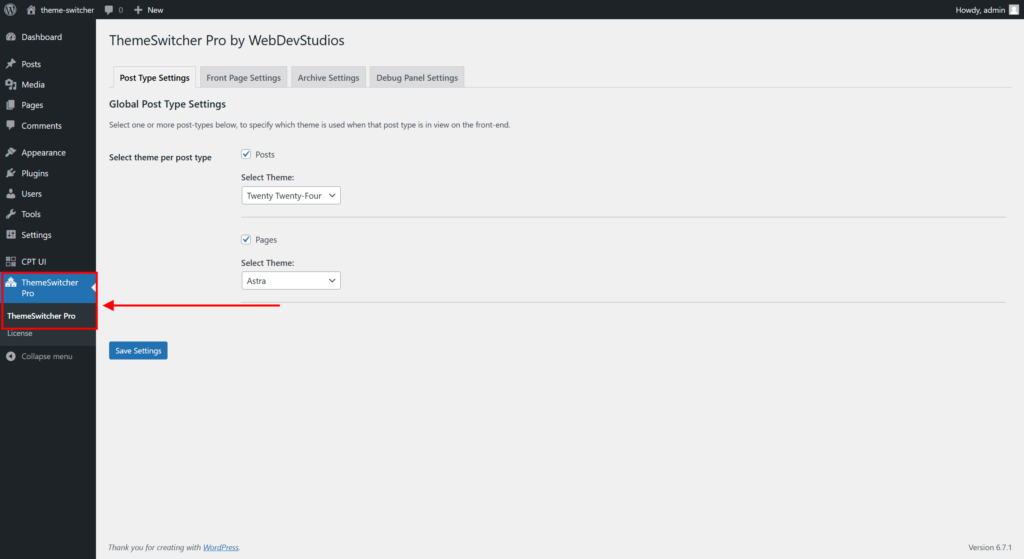
Step 2: Click Post Type Settings tab. Select the post type you would like to enable from the dropdown menu and select the theme. Click Save button.

How to choose a theme for specific post type?
Step 3: Once the Theme Switcher has been enabled for post type, the themes will be listed in a dropdown menu, and you can select a specific theme for that post type. After choosing a theme, click Save.


